


Filter by Brand
 BydByd 1
 VictronVictron 181
Top rated products
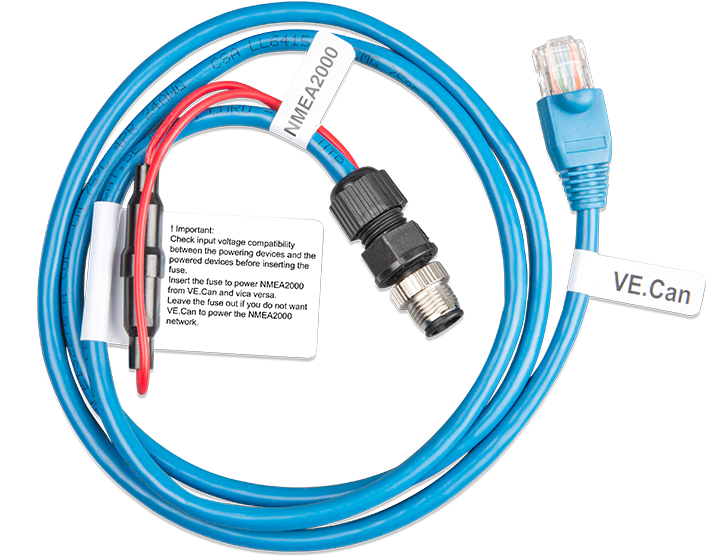
VE.Can to NMEA2000 Micro-C male
د.إ240.00Connect your Victron device with a VE.Can port directly to a NMEA 2000 network using this cable. Ideal for seamless integration with marine systems—see the NMEA 2000 & MFD integration guide for details.
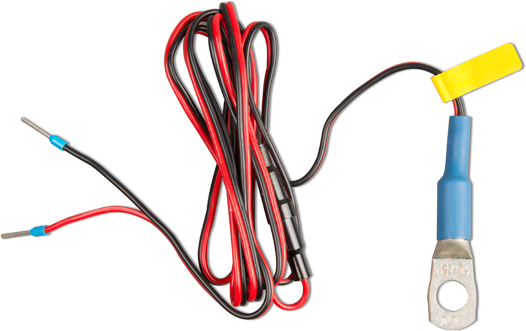
Temp. sensor for BlueSolar PWM-Pro Charge Controller
د.إ40.00Temp. sensor for BlueSolar PWM-Pro Charge Controller
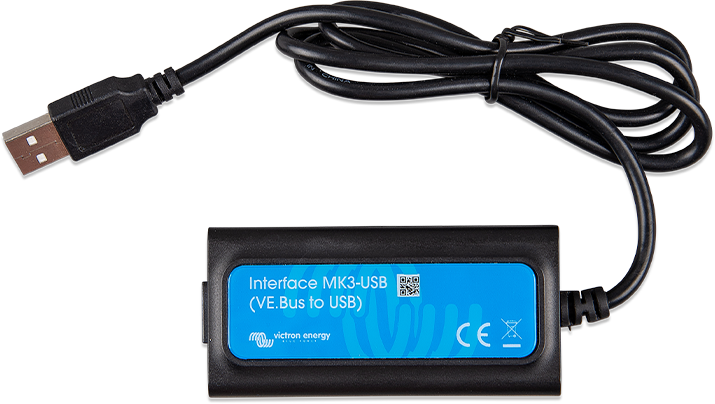
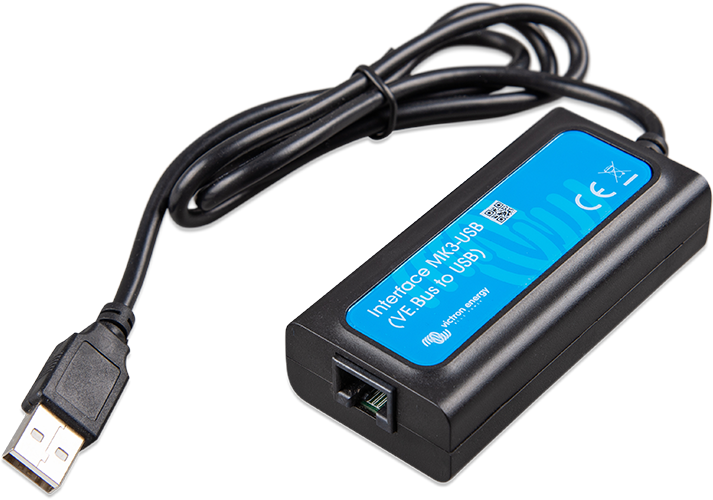
Interface MK3-USB (VE.Bus to USB)
د.إ250.00The MK3-USB interface enables connection of Victron products with a VE.Bus port—such as MultiPlus, Quattro, EasySolar, and more—to a computer for easy configuration and firmware updates. Essential for system setup and diagnostics.
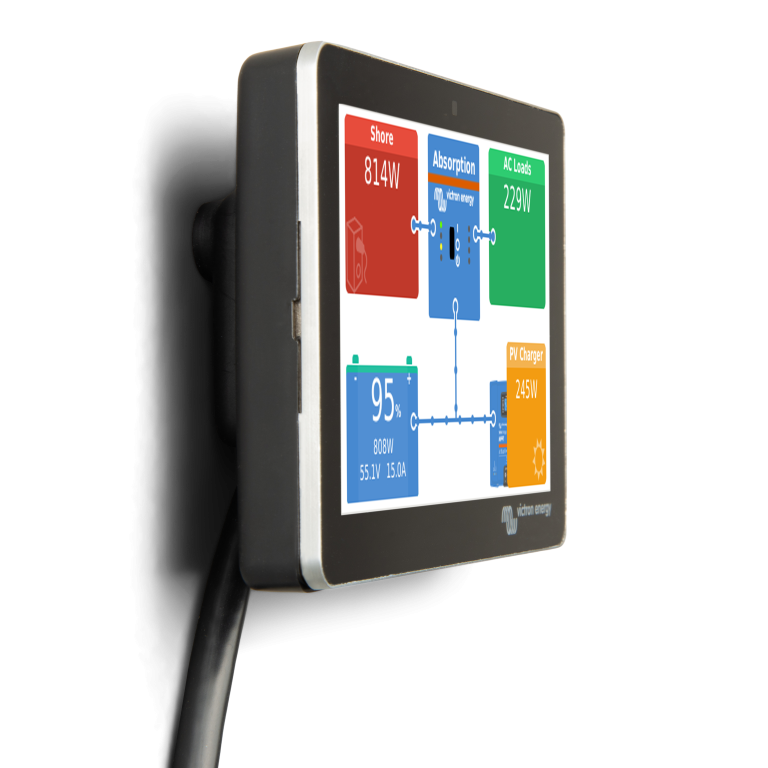
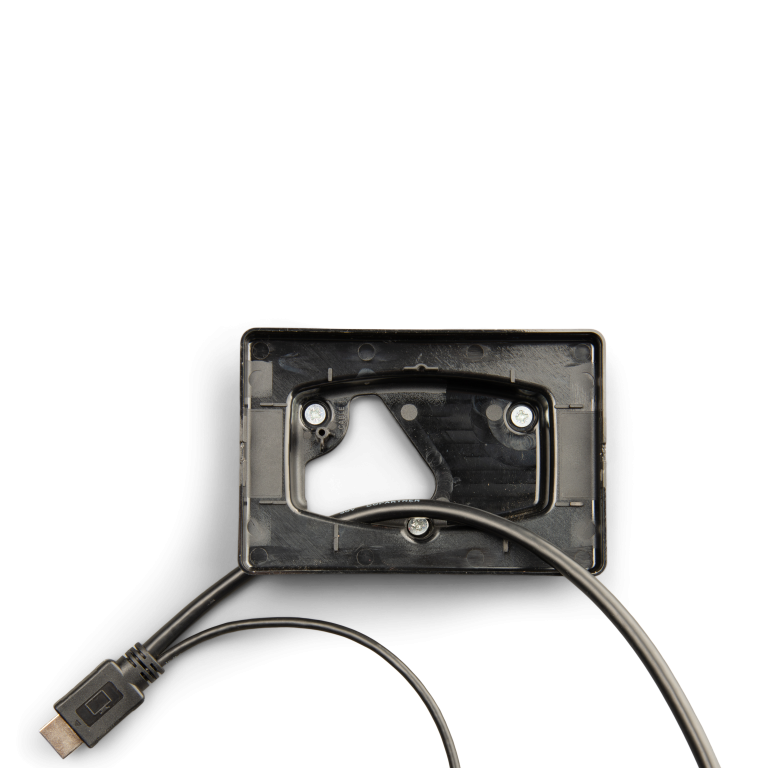
GX Touch 50 Wall Mount
د.إ60.00The GX Touch wall mount accessory allows easy mounting of the GX Touch on a solid wall. No drilling or cut-out is required, other than the three screws that fix the wall mount onto the wall.
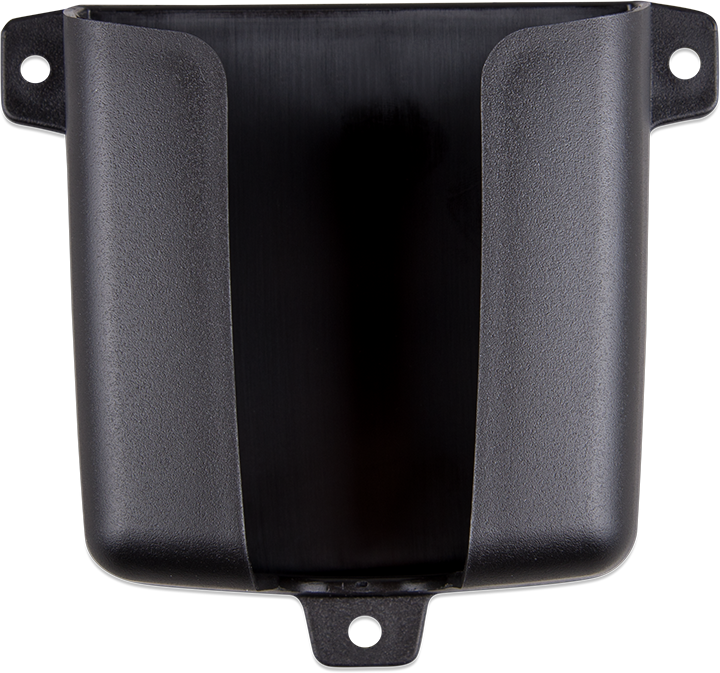
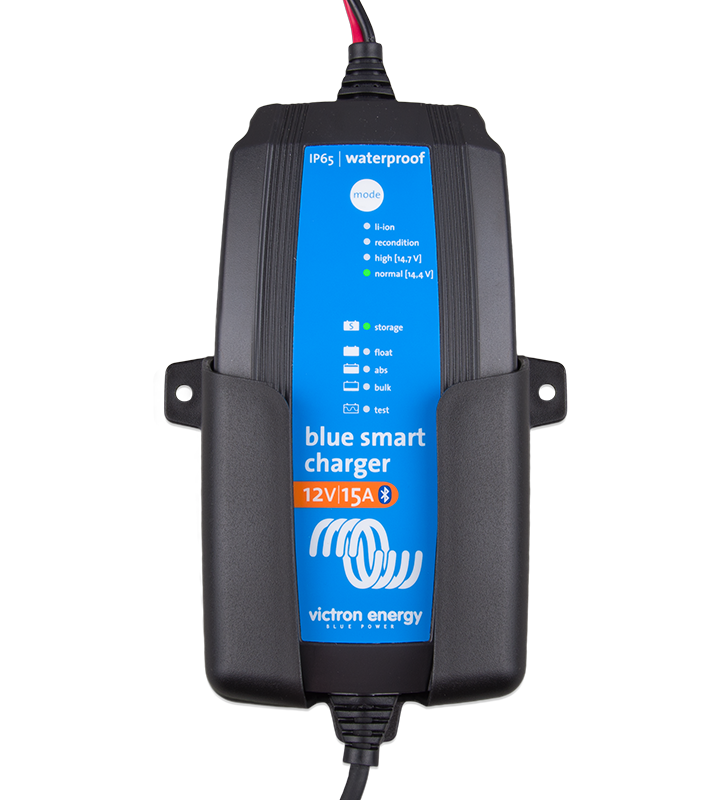
Wall Mount for Blue Smart IP65 Charger 12/10, 12/15, 24/8
د.إ20.00This Wall Mount will be especially useful if you like to keep your smart charger handy – above your workshop bench, for example. Now the charger can be used without even moving it!
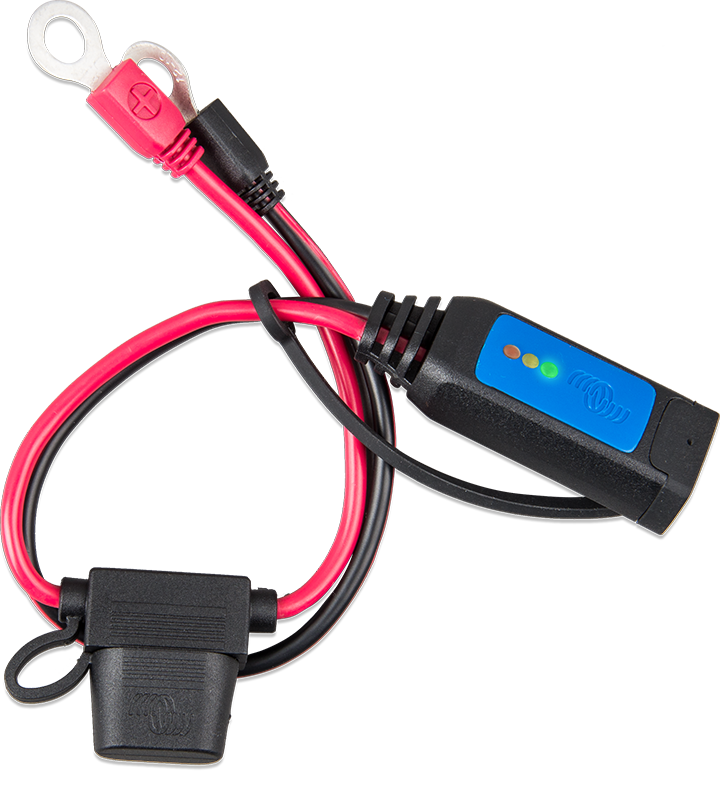
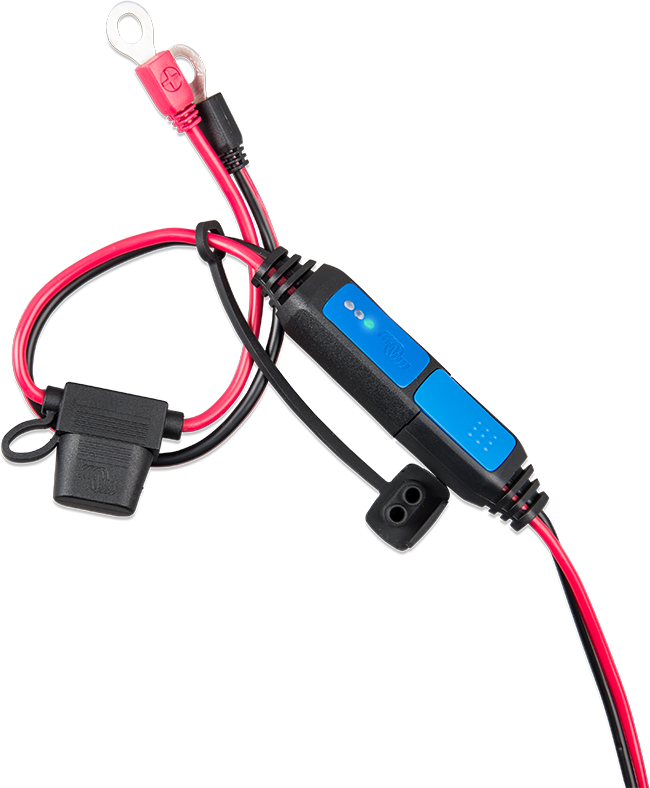
Battery Indicator Panel (M8 eyelet connector / 30A ATO fuse)
د.إ80.00The battery indicator panel shows the state of charge of the battery. It is an accessory for the Blue Smart IP65 Chargers.
Suitable for 12V lead acid batteries (flooded, GEL, AGM)
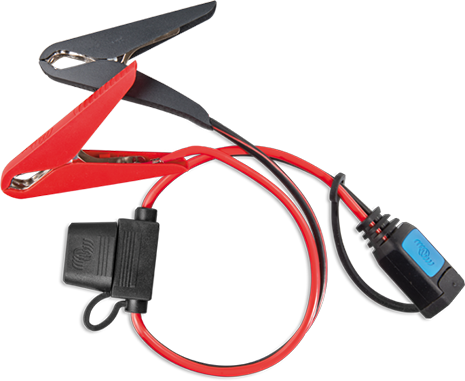
Clamp connector (with 30A ATO fuse)
د.إ50.00The clamp connector with fuse is an accessory for the Blue Smart IP65 Chargers.
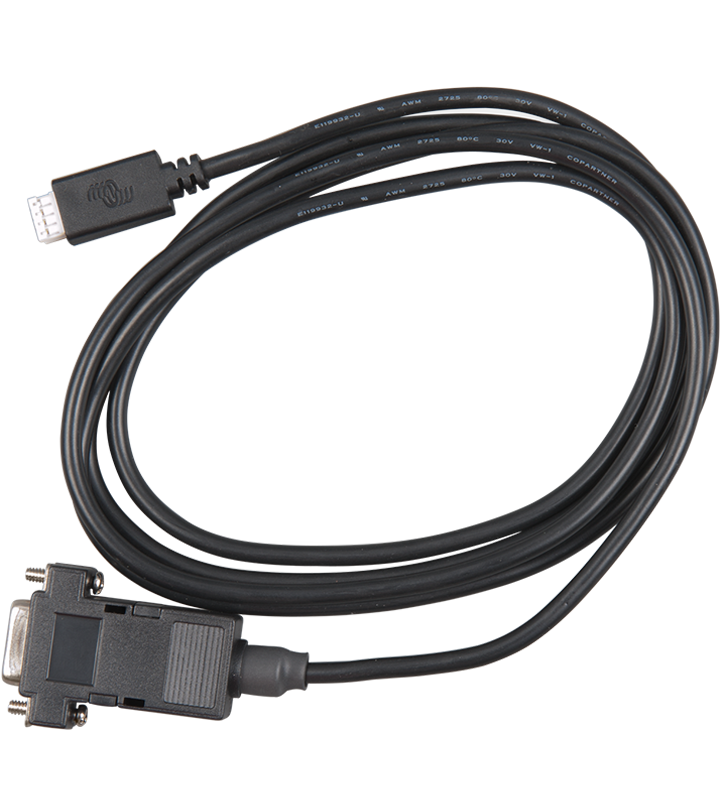
VE.Direct to RS232 interface
د.إ100.00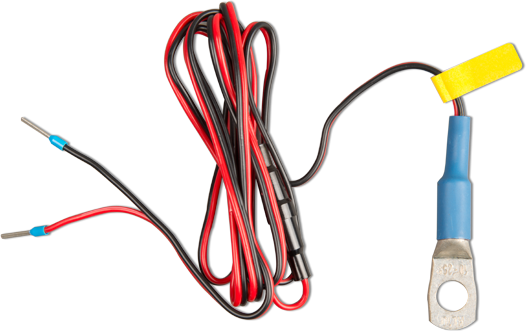
Temperature sensor for BMV-702/712
د.إ90.00A temperature sensor suitable for the battery monitor BMV-702 and BMV-712.
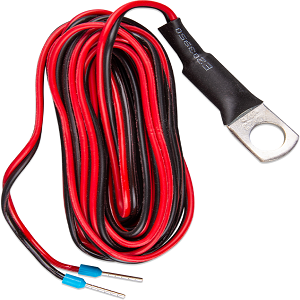
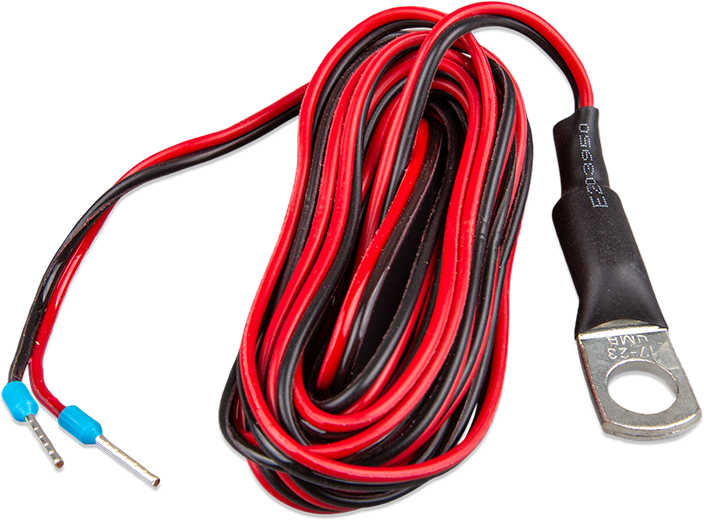
Temperature sensor QUA/PMP/Venus GX
د.إ10.00Temperature sensor for Quattro, MultiPlus and GX Device.
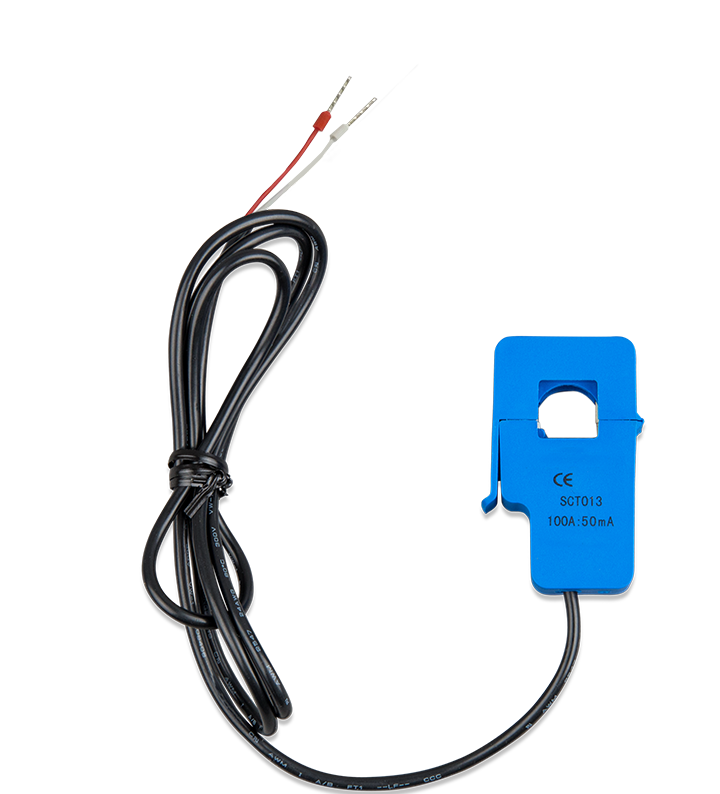
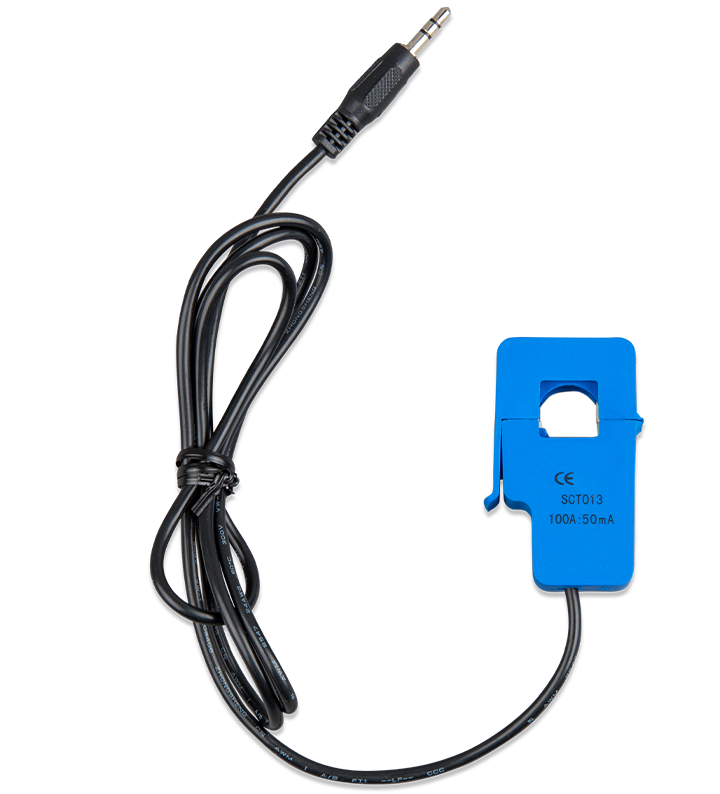
Current Transformer 100A:50mA for MultiPlus-II (1m)
د.إ130.00Current Transformer 100A:50mA for MultiPlus-II / MultiGrid-II to implement PowerControl and PowerAssist and to optimize self-consumption with external current sensing. See MultiPlus-II datasheet for more details.
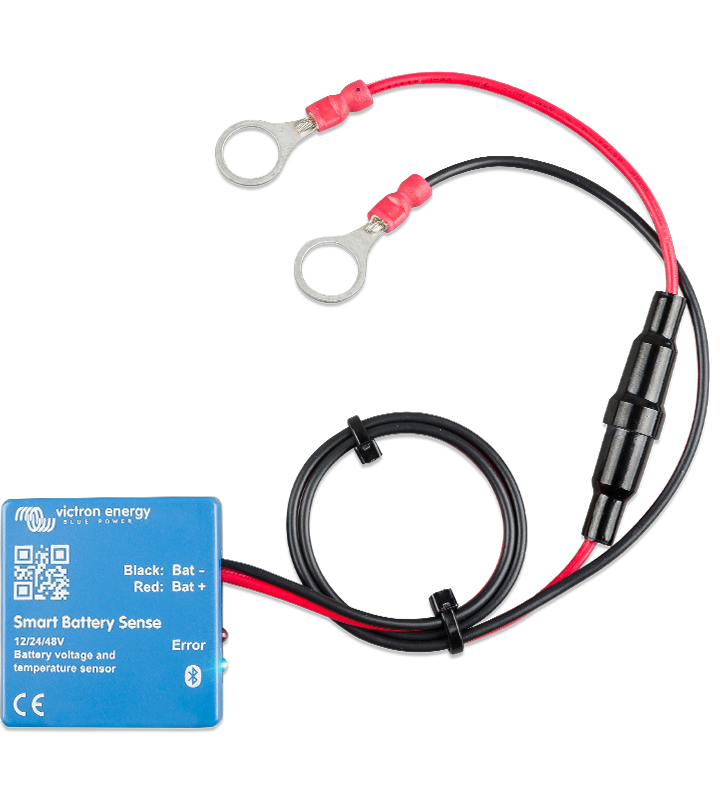
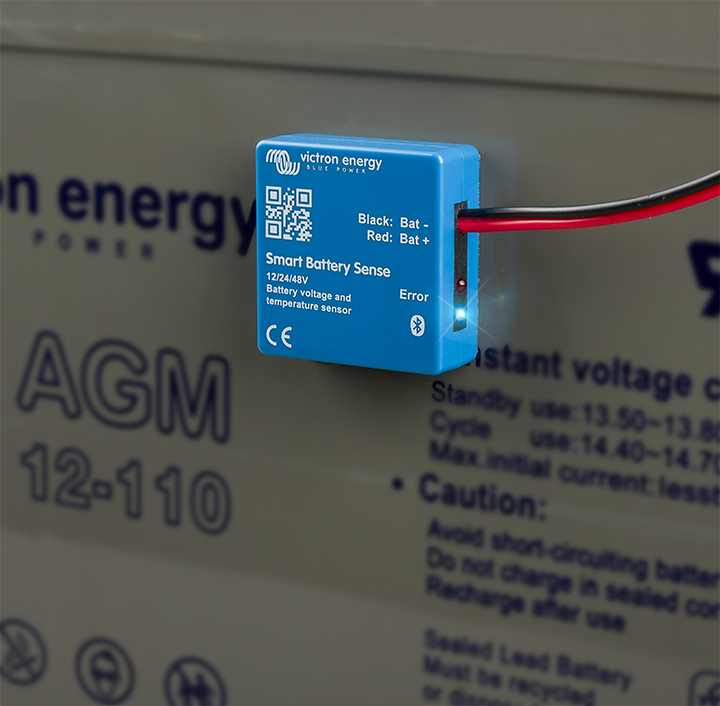
Smart Battery Sense long range (up to 10m)
د.إ140.00Smart Battery Sense is a wireless sensor that transmits accurate battery voltage and temperature data to Victron MPPT solar chargers. It optimizes charging efficiency and extends battery life by enabling precise, real-time adjustments during the charging process.